Snapdeal Label Cropper
Crop Snapdeal shipping labels away from the invoice printed beside them, caption each one with its SKU and size, and get the batch back grouped by courier.
Crop Snapdeal shipping labels away from the invoice printed beside them, caption each one with its SKU and size, and get the batch back grouped by courier.
LabelCropper › Tools › Snapdeal Label Cropper
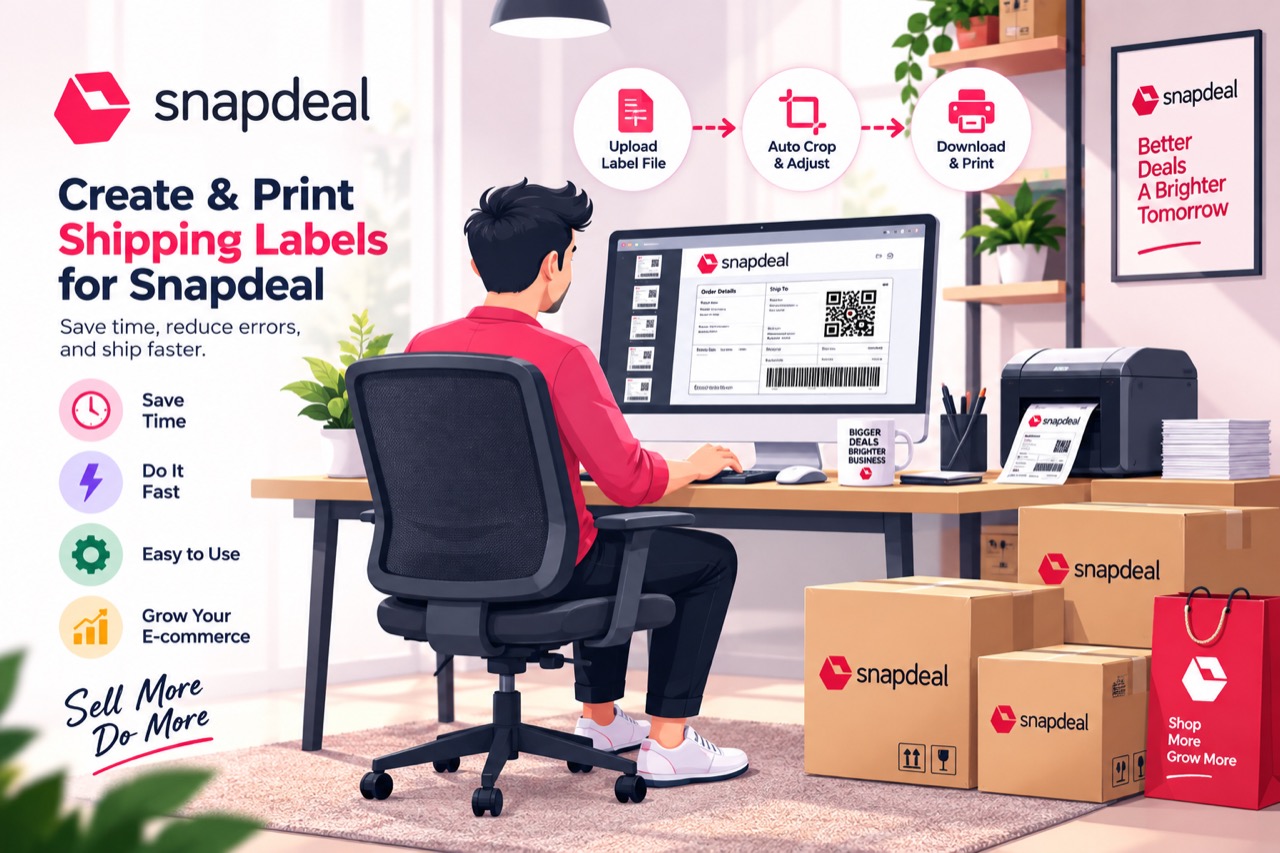
Snapdeal is the odd one of the four. Where Meesho and Flipkart stack the tax invoice underneath the label, Snapdeal splits the sheet vertically: the page is landscape, the shipping label is on the left and the invoice on the right. The cut therefore runs down the page rather than across it, which is why a cropper built for the other marketplaces makes a mess of it.
Select every Snapdeal export you have. The landscape page shape is expected — nothing needs rotating first.
Label-side content ends before the gap and invoice-side content begins after it, with nothing drawn between. The label's right edge is taken from the drawing itself rather than a fixed measurement, so a wider label is not clipped.
The usable SKU is printed on the invoice half — the half being discarded — so it is read first. The label's own copy fuses the size onto the code and strips its hyphens, which makes it useless for sorting.
Each carrier becomes its own run, ordered by SKU inside it.
The batch returns as one timestamped PDF, ready for the printer.
Every one of these tools runs inside the browser tab. The PDF is read on your own machine, the new file is written there, and neither is ever sent to a server — so your customers’ names, phone numbers and delivery addresses never leave your computer. Signing in decides whether the tools run, not afterwards, and it is why the tool keeps working with the network switched off.
Cropping, merging and exporting are free forever, with no label limit, and the free tier sorts your stack into courier piles. Plans start at ₹199 a month plus GST and add the picking order inside each pile, sorting by colour or size, the dispatch summaries, and the SKU caption on every label rather than the first five of each batch. Every visitor also gets seven days of the paid features to try, with no card.
Because the invoice is beside the label rather than beneath it. A cropper that cuts horizontally would either keep the whole invoice or slice the label in half; the cut has to run the other way.
No. Everything happens inside the browser tab. Customer names, addresses and phone numbers never leave your computer.
The label prints a fused, hyphen-stripped version of the code that cannot be sorted on reliably. The invoice prints it properly, so that is the one read and shown in the caption.
You can drop them, but each page is identified on its own markings — anything that is not a Snapdeal label is flagged and left uncropped rather than cut to the wrong shape.
 Meesho Label Cropper
 Flipkart Label Cropper
 AJIO Label Match
 Merge PDF
 Rearrange PDF Pages
 Crop PDF Pages
All tools
Crop PDF Pages
All tools
Home · All tools · Pricing · Guides · About · Contact · Privacy · Terms