Meesho Label Cropper
Crop Meesho shipping labels off their A4 sheets, caption each one with its SKU and size, and get the batch back grouped by courier in picking order.
Crop Meesho shipping labels off their A4 sheets, caption each one with its SKU and size, and get the batch back grouped by courier in picking order.
LabelCropper › Tools › Meesho Label Cropper
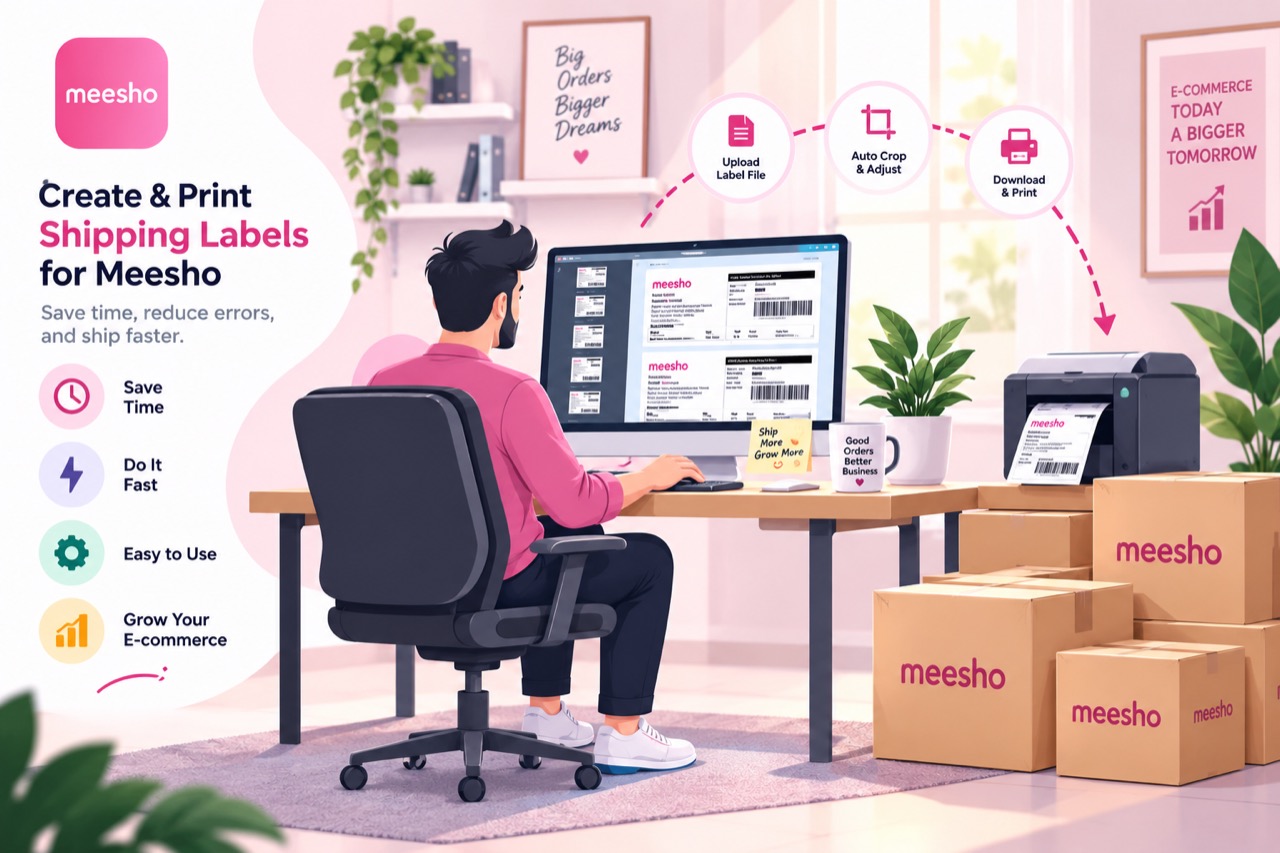
A Meesho label sheet is an A4 page that uses only its top half. Below the invoice summary there is a disclaimer and then a long run of blank paper, all of which prints, and none of which is any use once the parcel is packed.
Take them from the Supplier Panel and select as many exports as you have. They do not need to be merged or ordered first.
The cut lands just below the invoice Total row, which keeps the summary you may need to check against and drops the disclaimer and the blank half beneath it.
The SKU, size and quantity go underneath in large type, so a picker can read them off a stack without lifting each parcel.
Valmo, Delhivery, Shadowfax and Xpress Bees each become their own run, ordered by SKU inside the courier — which is the order the handover actually happens in.
One PDF comes back under a timestamped name, so batches never overwrite each other.
Every one of these tools runs inside the browser tab. The PDF is read on your own machine, the new file is written there, and neither is ever sent to a server — so your customers’ names, phone numbers and delivery addresses never leave your computer. Signing in decides whether the tools run, not afterwards, and it is why the tool keeps working with the network switched off.
Cropping, merging and exporting are free forever, with no label limit, and the free tier sorts your stack into courier piles. Plans start at ₹199 a month plus GST and add the picking order inside each pile, sorting by colour or size, the dispatch summaries, and the SKU caption on every label rather than the first five of each batch. Every visitor also gets seven days of the paid features to try, with no card.
Download the label PDF from the Supplier Panel, open this page and drop the file in — or select several exports together, which is the normal way to use it. Cropping, captioning, courier sorting and combining all run on their own.
No. The PDF is read inside the browser tab and never leaves your computer. Customer addresses and phone numbers are never transmitted, stored or logged.
No. Whatever you dropped comes back as a single PDF under one timestamped name — combining is part of the same automatic pass as the crop, not a second job afterwards.
It does, and it can be added to your home screen from the browser's own menu so it opens like an app and keeps working with the network off.
 Flipkart Label Cropper
 Snapdeal Label Cropper
 AJIO Label Match
 Merge PDF
 Rearrange PDF Pages
 Crop PDF Pages
All tools
Crop PDF Pages
All tools
Home · All tools · Pricing · Guides · About · Contact · Privacy · Terms