AJIO Label Match
Drop AJIO's label file and its invoice file together, and every label comes back followed by the invoice that belongs to it, captioned and sorted for dispatch.
Drop AJIO's label file and its invoice file together, and every label comes back followed by the invoice that belongs to it, captioned and sorted for dispatch.
LabelCropper › Tools › AJIO Label Match
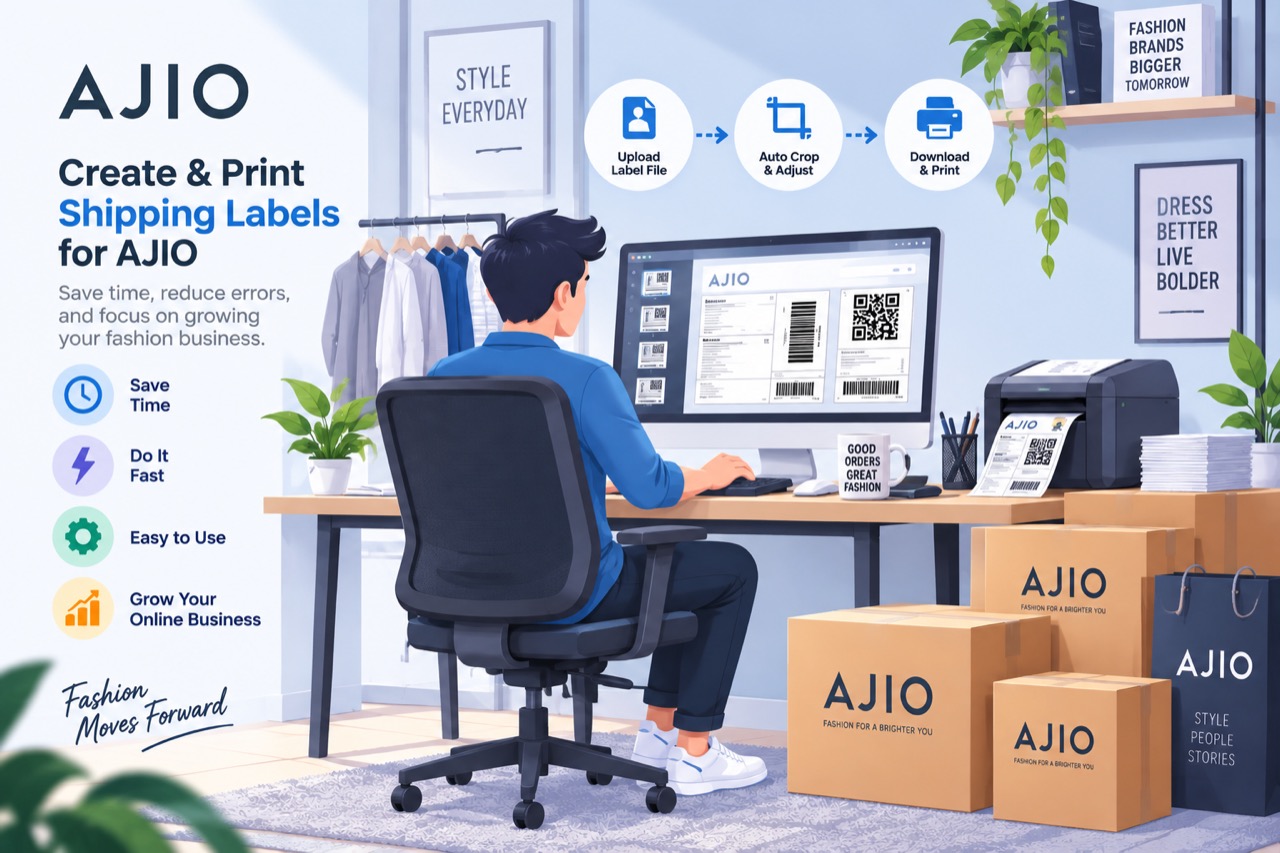
AJIO is not a cropping job at all. Where the other three marketplaces put the label and the invoice on one sheet and the work is cutting the invoice away, AJIO ships two separate downloads: a file of 4 × 6 labels that are already exactly label-sized, and a file of A4 tax invoices. Neither is much use alone — the label carries no SKU, and the invoice is not what goes on the parcel — so the work here is joining them.
The 4 × 6 label PDF and the A4 invoice PDF, together. Which is which is worked out from the pages themselves.
The invoice prints the AWB as text, but the label prints it only under a barcode in a font that yields nothing readable — so the bars are decoded directly.
A label carries three barcodes. Rather than guessing from shape or position, the AWB is whichever of the three the invoices also know about — which holds across couriers whose AWB formats differ.
The SKUs come off the invoice, and a parcel routinely covers more than one item row. Nothing is cropped: the label is already label-sized.
Each label is followed by its own invoice, sorted by courier and then routing code, as one PDF.
Every one of these tools runs inside the browser tab. The PDF is read on your own machine, the new file is written there, and neither is ever sent to a server — so your customers’ names, phone numbers and delivery addresses never leave your computer. Signing in decides whether the tools run, not afterwards, and it is why the tool keeps working with the network switched off.
Cropping, merging and exporting are free forever, with no label limit, and the free tier sorts your stack into courier piles. Plans start at ₹199 a month plus GST and add the picking order inside each pile, sorting by colour or size, the dispatch summaries, and the SKU caption on every label rather than the first five of each batch. Every visitor also gets seven days of the paid features to try, with no card.
Because AJIO does not print the label and the invoice on one sheet. There is nothing to crop — the label is already 4 × 6 — so the job is matching each label to the invoice that belongs to it.
Yes. The label file alone has no SKU on it and the invoice file alone is not what goes on the parcel, so pairing needs both. Drop them together.
No. Pairing is done on the AWB decoded from each label's barcode, so the two files can be in any order and can have been downloaded at different times.
No. Both PDFs are read inside the browser tab and never leave your computer.
 Meesho Label Cropper
 Flipkart Label Cropper
 Snapdeal Label Cropper
 Merge PDF
 Rearrange PDF Pages
 Crop PDF Pages
All tools
Crop PDF Pages
All tools
Home · All tools · Pricing · Guides · About · Contact · Privacy · Terms