Flipkart Label Cropper
Crop Flipkart (E-Kart) shipping labels down to the label itself, caption each one with its SKU and size, and get the whole batch back as one print-ready PDF.
Crop Flipkart (E-Kart) shipping labels down to the label itself, caption each one with its SKU and size, and get the whole batch back as one print-ready PDF.
LabelCropper › Tools › Flipkart Label Cropper
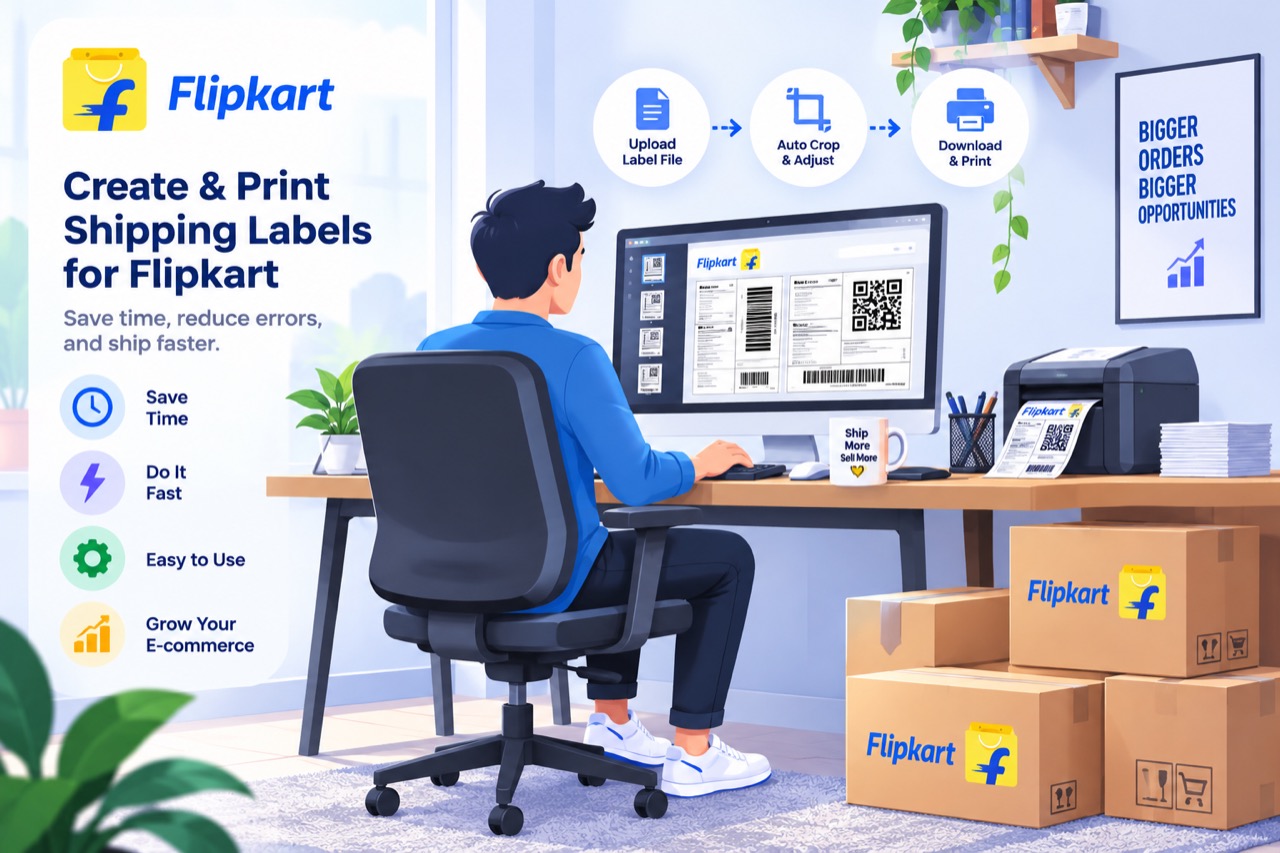
A Flipkart label sheet is mostly waste. The label sits in a narrow column at the top of the page and a full tax invoice fills everything below it, so printing the sheet as downloaded spends an A4 page and a great deal of thermal ribbon on an invoice nobody at the packing bench reads.
Select every export you have — a morning's worth is normal — or drag them onto the page together. Nothing needs to be merged first.
Flipkart stacks the invoice under the label, and the label occupies only part of the width, so the cut runs both down and sideways. That is roughly 85% of the sheet removed.
The SKU, size and quantity are printed underneath in type large enough to read off a pile at arm's length, rather than the label's own small print.
Flipkart ships through one carrier, E-Kart, so there is no courier level to group by. The stack is grouped by the registered seller the label ships as, then ordered by SKU inside each one.
Everything you dropped comes back as one PDF under a timestamped name. There is no merge step — combining is part of the same pass.
Every one of these tools runs inside the browser tab. The PDF is read on your own machine, the new file is written there, and neither is ever sent to a server — so your customers’ names, phone numbers and delivery addresses never leave your computer. Signing in decides whether the tools run, not afterwards, and it is why the tool keeps working with the network switched off.
Cropping, merging and exporting are free forever, with no label limit, and the free tier sorts your stack into courier piles. Plans start at ₹199 a month plus GST and add the picking order inside each pile, sorting by colour or size, the dispatch summaries, and the SKU caption on every label rather than the first five of each batch. Every visitor also gets seven days of the paid features to try, with no card.
Download it from the Flipkart Seller Hub as you normally would. LabelCropper takes the file exactly as Flipkart gives it to you — nothing has to be renamed, split or converted first.
No. The PDF is read inside the browser tab and never leaves your computer, so customer names, phone numbers and delivery addresses are never transmitted or logged. That is also why it keeps working with the network switched off.
Flipkart ships through E-Kart alone, so a courier level would put every label in one group and tell you nothing. The registered seller is used instead, which is the distinction that actually splits a Flipkart stack.
Yes, and it is the normal way to use it. They are cropped, captioned and sorted as one stack, so a day's orders downloaded in batches still print in one continuous picking order.
 Meesho Label Cropper
 Snapdeal Label Cropper
 AJIO Label Match
 Merge PDF
 Rearrange PDF Pages
 Crop PDF Pages
All tools
Crop PDF Pages
All tools
Home · All tools · Pricing · Guides · About · Contact · Privacy · Terms